
daily orbs app
Daily Orbs App: Playing on Phone and Tablet
Learn whether the Daily Orbs app exists, how to play Daily Orbs on mobile devices, and how to get an app-like experience on your phone or tablet.
Daily Orbs App: Playing on Phone and Tablet
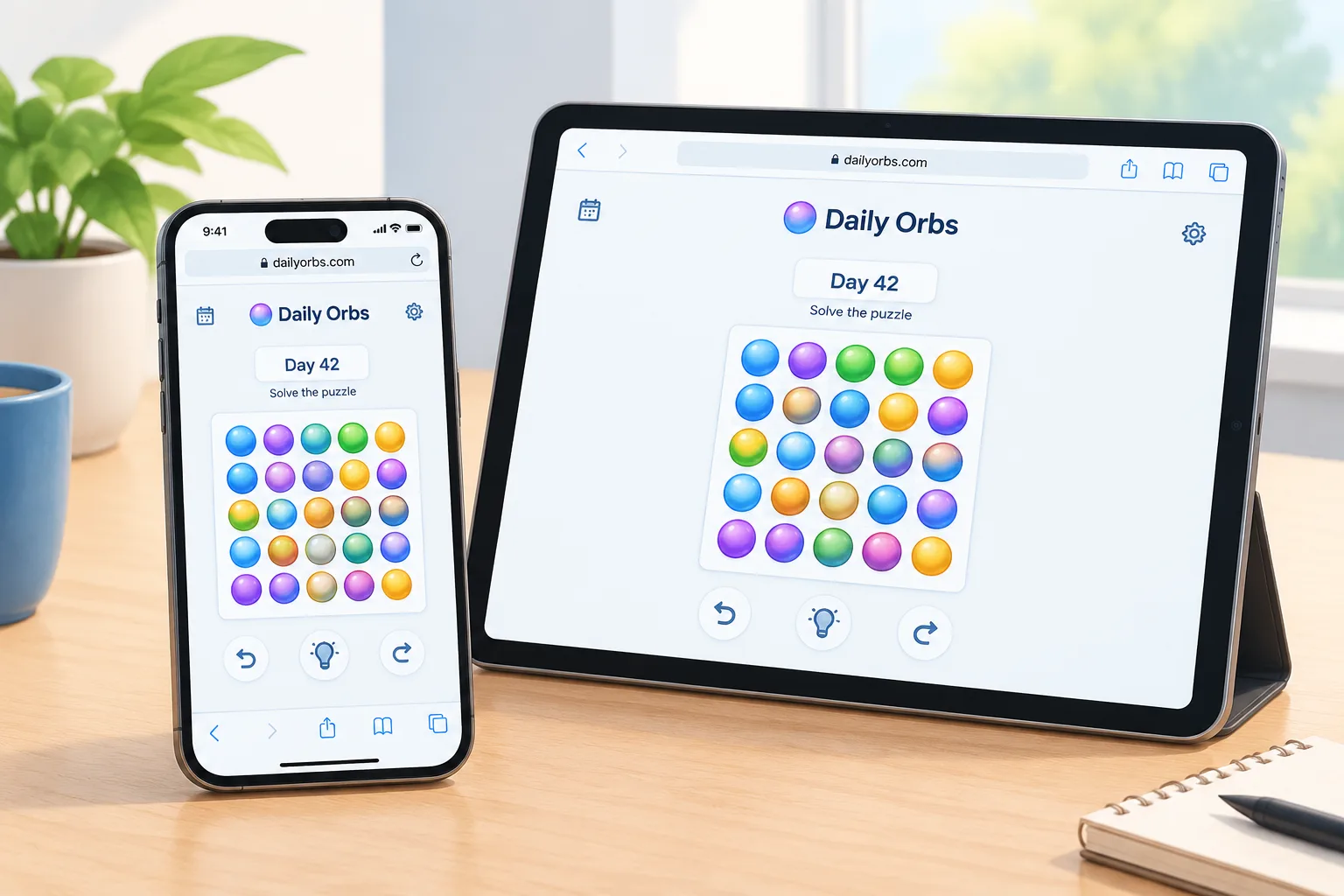
The daily orbs app question is one of the most common things players ask when they discover the Daily Orbs puzzle game. As verified on October 10, 2026, Daily Orbs is available as a browser-based game at dailyorbs.com and no official app-store listing was observed. The game can be played on modern mobile browsers, making it possible to enjoy Daily Orbs on both phones and tablets without installing a traditional app.
This guide explains what is currently known about the Daily Orbs mobile experience, how to access the game comfortably on smaller screens, and how players can create an app-like shortcut. For more background about the game itself, visit the Daily Orbs basics guide and learn the core mechanics before starting your daily puzzle routine.
Is there a Daily Orbs app for iPhone or Android?
No official Daily Orbs app was observed as of October 10, 2026. The verified way to play is through the Daily Orbs website in a mobile browser. Because the game is designed as a web experience, iPhone and Android users can still access the daily puzzles directly without needing an App Store or Google Play installation.
Players searching for a daily orbs ios or daily orbs android version should be careful with unofficial download pages. There is no verified need to download an APK file or third-party application to play the game. The safest approach is to open the official website and use the browser version.
The availability of a browser version also means that players can switch devices easily. Someone who starts a puzzle on a phone can later open the site on a tablet or computer and continue using the same public game experience.
How do you play Daily Orbs on a phone?
Playing Daily Orbs on a phone is straightforward: open the official website in a mobile browser, select the daily puzzle, and interact with the game controls directly on the touchscreen. The mobile experience uses the same daily challenge format available through the website.
For a smoother experience, players can follow these steps:
- Open the Daily Orbs website using a current mobile browser.
- Save the page as a bookmark for quick access.
- Use a stable internet connection when loading the daily puzzle.
- Adjust browser zoom if text or controls appear too small.
- Return each day to play the new challenge.
The game does not require a separate daily orbs download from an app marketplace. Instead, the browser acts as the access point. This approach is common for daily puzzle games because it allows developers to update puzzles and features without requiring users to install new app versions.
Players who want more guidance on gameplay can explore the How to Play section, which covers the general puzzle flow and basic interaction.
Can you play Daily Orbs on an iPad or Android tablet?
Yes, Daily Orbs can be played on tablets through a browser. A larger screen may make some puzzle interactions easier because players have more space to read clues and review answers.
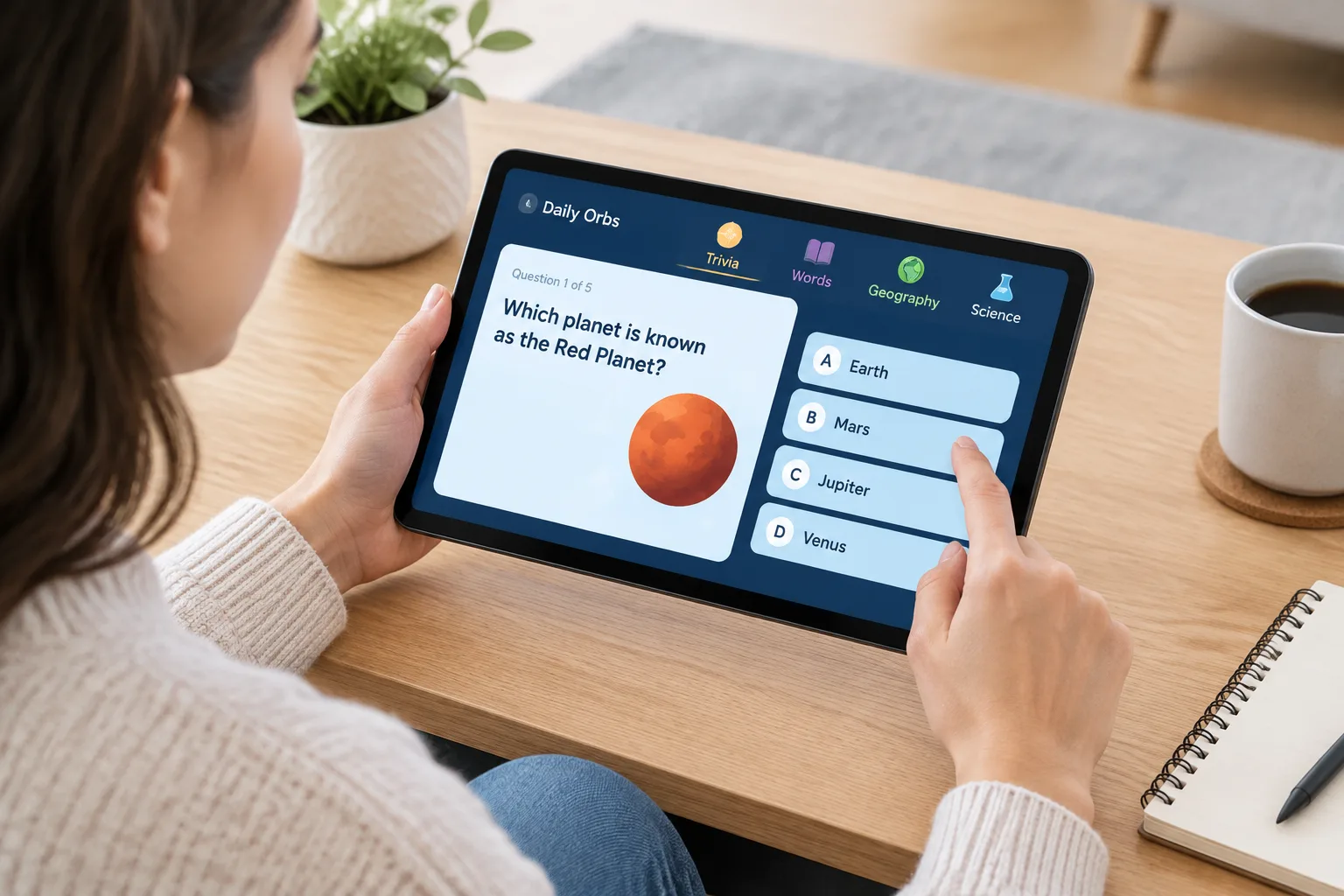
Tablet players can use the same process as phone players:
- Open the official Daily Orbs website.
- Add a bookmark or shortcut.
- Rotate the tablet if a wider layout is more comfortable.
- Keep the browser updated for the best compatibility.
The tablet experience may differ slightly depending on the device, operating system, and browser. Since Daily Orbs is a web game, performance depends on the browser environment rather than a dedicated mobile application.
How can you make Daily Orbs feel like a mobile app?
Many browser-based games can be made easier to access by adding a home-screen shortcut. This creates an app-like launch method without installing a separate application.
On many mobile devices, the general process is:
- Open Daily Orbs in your browser.
- Use the browser menu options.
- Choose the option to add the website to your home screen when available.
- Launch the shortcut whenever you want to play.
The exact wording of these options depends on the device and browser version. The shortcut does not turn Daily Orbs into a native app, but it can make opening the game faster.
This approach is useful for players who enjoy daily routines. Instead of searching for the website each day, the puzzle can appear alongside other frequently used apps.
What is the difference between a Daily Orbs app and the browser version?
The main difference is installation. A native app is downloaded from an official store and usually has its own application package. A browser game runs through a website and uses the device browser as the platform.
For Daily Orbs, the currently verified experience is the browser version. This means players should expect:
| Feature | Browser version |
|---|---|
| Access method | Mobile browser |
| Installation required | No |
| Works on phones | Yes, through browser access |
| Works on tablets | Yes, through browser access |
| Official store app observed | No as of October 10, 2026 |
A browser-first approach can be convenient because it avoids storage use and keeps everyone on the same version of the game. However, players who prefer traditional app icons may prefer creating a home-screen shortcut.
For more information about the wider game structure, explore the category guides, where different puzzle categories and solving approaches are explained.
How does Daily Orbs mobile gameplay work?
Daily Orbs mobile gameplay follows the same general idea as the desktop experience. Players open the daily puzzle, review the available challenges, and solve questions using knowledge and reasoning skills.
The game is organized around different knowledge categories, including trivia, words, geography, and science. Each category can require a different style of thinking. A player may rely on memory for trivia, pattern recognition for words, location knowledge for geography, and factual understanding for science.
A useful mobile strategy is to avoid rushing through every answer. Smaller screens can encourage quick taps, but careful reading often produces better results. If a clue is unclear, players can take time to consider possible interpretations before selecting an answer.
The Daily Orbs answers section provides spoiler-based resources for players who want help after attempting the puzzle themselves.
What should you know before searching for a Daily Orbs download?
Players looking for a daily orbs download should understand that the official experience does not require downloading a separate application. Searching for downloads may lead to unrelated pages or unofficial files that are not connected to the game.
A safer checklist is:
- Use the official Daily Orbs website.
- Avoid unknown application files claiming to be the game.
- Do not provide personal information to unofficial sites.
- Check official sources for future announcements.
A browser-based game can still provide a complete daily puzzle experience. The absence of a traditional app does not prevent players from enjoying Daily Orbs on modern mobile devices.
Why might players want a Daily Orbs app in the future?
A dedicated application could provide features that some players enjoy, such as easier notifications, a store-based installation process, or deeper device integration. However, future app plans should only be confirmed through official announcements.
Until then, the current mobile method remains simple: open the website, play the daily puzzle, and optionally create a shortcut for faster access.
Frequently Asked Questions about the Daily Orbs app
Is the Daily Orbs app available on iOS?
No official Daily Orbs app for iOS was observed as of October 10, 2026. iPhone users can play through a mobile browser by visiting the official Daily Orbs website.
Is the Daily Orbs app available on Android?
No official Android app listing was observed as of October 10, 2026. Android users can access Daily Orbs through a supported browser without installing a separate application.
Where can I get a Daily Orbs download?
The official Daily Orbs experience does not require a download. Players should avoid unofficial download files and use the official website for access.
Can I play Daily Orbs mobile on a tablet?
Yes. Daily Orbs mobile access works through tablet browsers. A larger display may make reading clues and selecting answers more comfortable.
How do I add Daily Orbs to my phone home screen?
Open the Daily Orbs website in a mobile browser and use the browser menu to look for an add-to-home-screen option. The exact steps depend on the device and browser.
Will there ever be a Daily Orbs app?
A future app is possible, but no app plans should be assumed unless they are announced through official channels. This guide reflects the verified situation on October 10, 2026.
Final thoughts on playing Daily Orbs on mobile
The answer to the daily orbs app question is simple: players can enjoy Daily Orbs on phones and tablets today through the browser experience. No official app-store version was observed at the time of verification, but mobile browsers provide direct access to the daily puzzles.
For the best experience, bookmark the official site, create a home-screen shortcut if useful, and explore the wiki guides for category strategies, gameplay explanations, and daily puzzle resources.